Building InvoiceHub: a Laravel project walkthrough
The story of shipping a real invoicing app — from a three-table schema to the dashboard, the REST API, and the background jobs that keep it fast. Screenshots included.
InvoiceHub started as a "quick weekend project" and turned into the most instructive app I've built so far. It's a Laravel app that lets freelancers create invoices, track payments, and email reminders — the kind of CRUD product that looks simple until you actually ship it. Here's how it went together, with the real screens along the way.
The schema at a glance
Everything hangs off three tables. A client has many invoices, and an invoice has many payments — which is how you know a "paid" invoice is really a set of payment records that happen to sum to the total. Three migrations, three relationships, and the whole data model fits on one screen (see the screenshots below):
Schema::create('invoices', function (Blueprint $table) {
    $table->id();
    $table->foreignId('client_id')->constrained()->cascadeOnDelete();
    $table->string('number')->unique();
    $table->enum('status', ['draft', 'sent', 'paid', 'overdue']);
    $table->decimal('total', 10, 2);
    $table->timestamp('due_at');
    $table->timestamps();
});
The dashboard
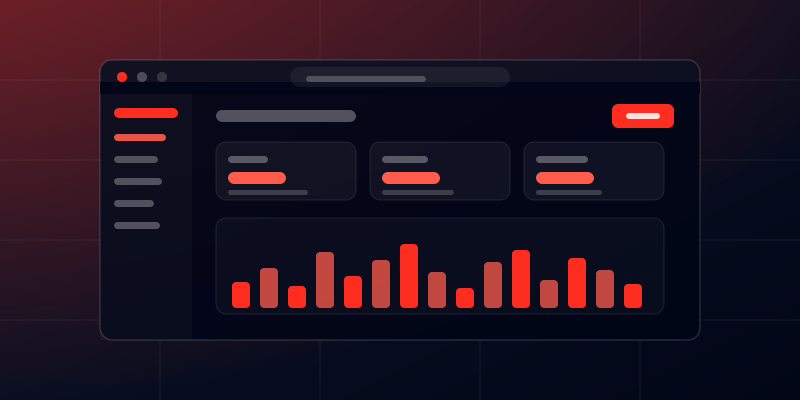
The landing page after login is the dashboard from the first screenshot — three stat cards fed by
withCount()
and a simple chart of money collected per month. No charting library; just an SVG and a handful of
grouped queries. It loads fast because the heavy lifting stays in SQL, not PHP.
The REST API
The mobile companion app talks to a slim set of endpoints — all route-model-bound, all
returning consistent JSON shapes so the frontend never has to guess. Form requests keep
controllers thin, and APIResource
keeps responses shaped — one source of truth for what a client sees over the wire.
Emails without blocking the request
Sending an invoice means rendering a PDF, attaching it, and firing an email — the kind of work that should never sit inside a controller. That's what queues are for:
$invoice->status = 'sent';
$invoice->save();

Mail::to($invoice->client->email)
    ->queue(new InvoiceMail($invoice));
What I'd do differently next time
- Add tests earlier. The schema and status transitions would have been easier to change with feature tests from day one.
- Version the API from the start. A v1 prefix is cheap to add and painful to retrofit.
- Use a real mail queue worker in dev. I lost a morning to queued emails that never arrived because no worker was running.
TL;DR
A small schema, a handful of withCount()
queries, a slim REST API, and a queue for anything slow. The boring parts — consistent JSON and
tested migrations — were exactly the parts that saved the project.
InvoiceHub taught me that a "simple" app is only simple because someone made deliberate choices about schema, endpoints, and background work. That's the whole walkthrough — four screens and the decisions behind each one.
Fazale Rabbi
Laravel Full-Stack Developer writing about what I build and debug.
Let's work together →